When the Clock Stops
Launching When the Clock Stops
Preparing the browser build...
When the Clock Stops



























Play When the Clock Stops online
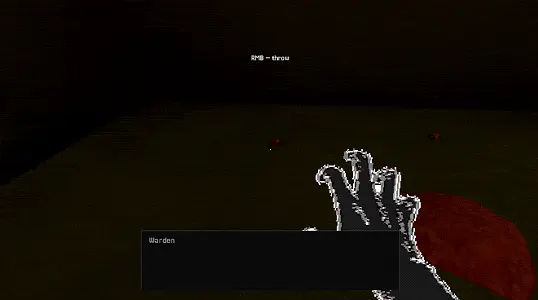
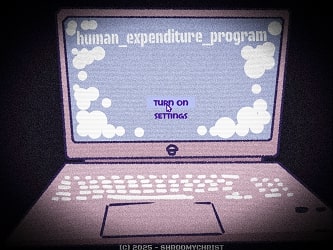
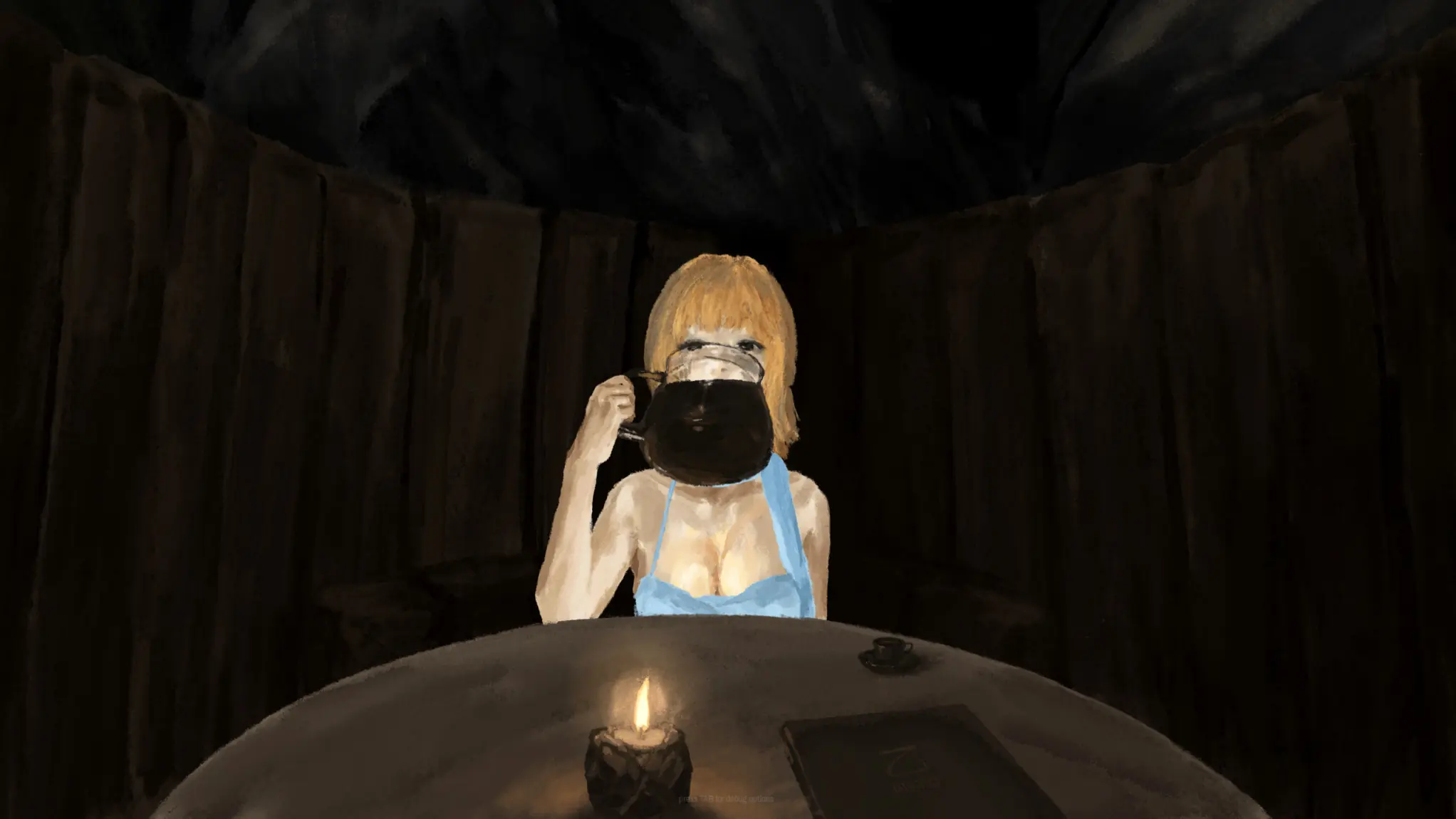
When the Clock Stops is a first-person survival horror game set in a sealed basement where time is your most dangerous resource. The browser build above drops you into a cold, dim room with one clear rule: keep searching, keep feeding, and never let the silence arrive before you are ready.
The title is also the threat. When the ticking stops, the floor opens and the thing underneath expects a meal. That simple loop gives the game its pressure: you are not only exploring a dark space, you are racing a machine that will eventually stop listening to excuses.
What When the Clock Stops is about
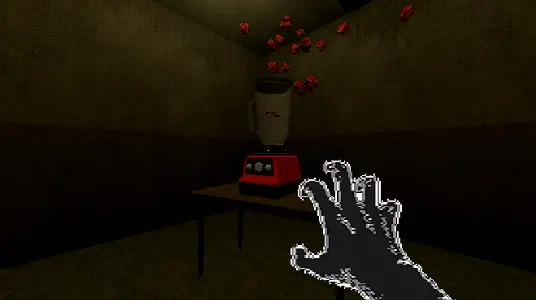
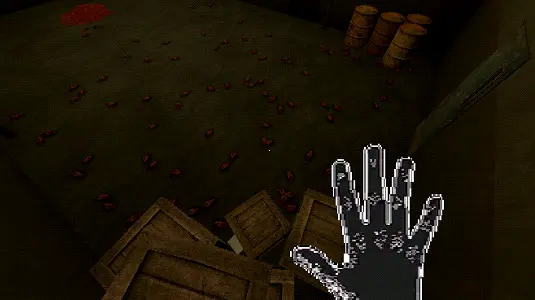
The core of When the Clock Stops is built around desperate preparation. Insects crawl through the basement, and they are more than background detail. You catch them, carry them, stack them, and turn them into the only payment that matters when the pit opens.
That makes every trip away from the feeding spot risky. A corner may hold enough insects to buy another cycle, but it may also cost the seconds you needed to return. The horror comes from that tradeoff. The basement is not huge, yet it feels hostile because the timer keeps shrinking your choices.
The PSX-style presentation helps the tension. Low light, rough edges, heavy audio, and close walls make the space feel dirty and physical. When the Clock Stops does not need a complicated control scheme to feel stressful; it only needs a clock, a floor, and something hungry below you.
How When the Clock Stops plays
Your first goal is to learn the room. Move carefully, search the darker edges, catch insects when they appear, and bring them back before the clock finishes its cycle. Throwing can help you place food faster, but poor aim or panic can waste the small advantage you had.
Controls:
- Move: W, A, S, D
- Jump: Space
- Catch or pick up: Left Click
- Throw: Right Click
- Crouch: C
- Pause: Esc
Once you understand the rhythm, the next layer is upgrades. Spend what you earn to slow the clock, stretch the survival window, and make later cycles less brutal. Upgrades do not remove the danger. They only give you enough breathing room to make a better mistake next time.
Why the clock matters
The clock is more than a timer here. It decides when the safe part of the loop ends. While it ticks, you can search, plan, and gather. Once it stops, the basement becomes a demand: feed the pit or face the consequence.
That structure makes the game work as both horror and strategy. If you chase every insect, you may be too far away when the floor opens. If you stay too close to the pit, you may not collect enough. Good runs come from learning how far you can push each cycle before greed becomes a liability.
Survival tips
- Keep a mental route between insect spots and the feeding area.
- Catch small groups early instead of waiting for one perfect haul.
- Return before the final seconds if you are carrying important food.
- Buy time upgrades when a longer cycle will create more value than another risky sprint.
- Use sound cues and the clock rhythm to decide when to stop exploring.
Browser play notes
When the Clock Stops works best on desktop because the game depends on keyboard movement, mouse capture, and quick turning. If the cursor feels trapped or the player does not respond after launch, click inside the game window once and try fullscreen. If the screen remains black, refresh the page and make sure scripts are not being blocked for this tab.
Performance can vary by browser, device, and graphics settings. Closing extra tabs may help if the basement stutters when the scene first loads.
Embed and rights note
This page embeds When the Clock Stops as an unofficial browser-play page for the hosted HTML5 build. The game title, screenshots, embedded build, and related media belong to their respective owners. This page provides original gameplay notes, screenshots, controls, compatibility help, and a direct play frame for convenience.
When the Clock Stops Screenshots
When the Clock Stops FAQ
What is When the Clock Stops?
When the Clock Stops is a first-person basement horror game about collecting insects, feeding something beneath the floor, and using upgrades to delay the next deadline.
Can I play When the Clock Stops online?
Yes. This page embeds the HTML5 browser build, so you can press Play and start When the Clock Stops without downloading a separate file.
What are the controls in When the Clock Stops?
Move with W, A, S, and D. Jump with Space, crouch with C, catch or pick up with Left Click, throw with Right Click, and pause with Esc.
What happens when the clock stops?
When the ticking reaches its limit, the basement changes state and the creature below expects food. If you have not prepared enough, the run can collapse quickly.
Does When the Clock Stops work on mobile?
Desktop play is recommended. The game uses keyboard movement and mouse catching, so phones and tablets may be awkward even if the page loads.